Remote Support Desk
Our Remote Support Desk solution provides a seamless and secure VPN connection, giving you easy remote access to any VL-700-based system.
Technical data
| Order Number | 11819 |
Description
Our Remote Support Desk solution provides a seamless and secure VPN connection, giving you easy remote access to any VL-700-based system. Through an intuitive user interface, you can securely access your systems from anywhere.
Whether you have already purchased the devices with the "Remote Service Desk" option or need to add it later, after logging in to the Remote Service Desk website, you will find a tabular overview of all licensed devices.
In the "Devices" tab, you can view your licensed devices along with basic information and their current connection status. You also have the option, as shown in the image, to display the locations of your devices marked on the map.
There are several ways to connect to a VL-700 BASE. Damit haben Sie von überall zu jeder Zeit die volle Kontrolle über Ihre Projekte. Das geht von einem Firmwareupdate der VL-700 BASE über ein Update auf neue Version der Applikation bis hin zu einer Änderung der Verbindungseinstellungen.
From the Desk to the Sensor
Step 1 of 4The VL-700 BASE establishes the VPN connection on its own, via UDP port 1194 and only outward. An incoming connection to your network is not required.
Documents
Everything you need to know about Remote Support Desk for tendering and planning—no registration required.
Related items from the planning phase
3 postsRelated Products
Building blocks that work together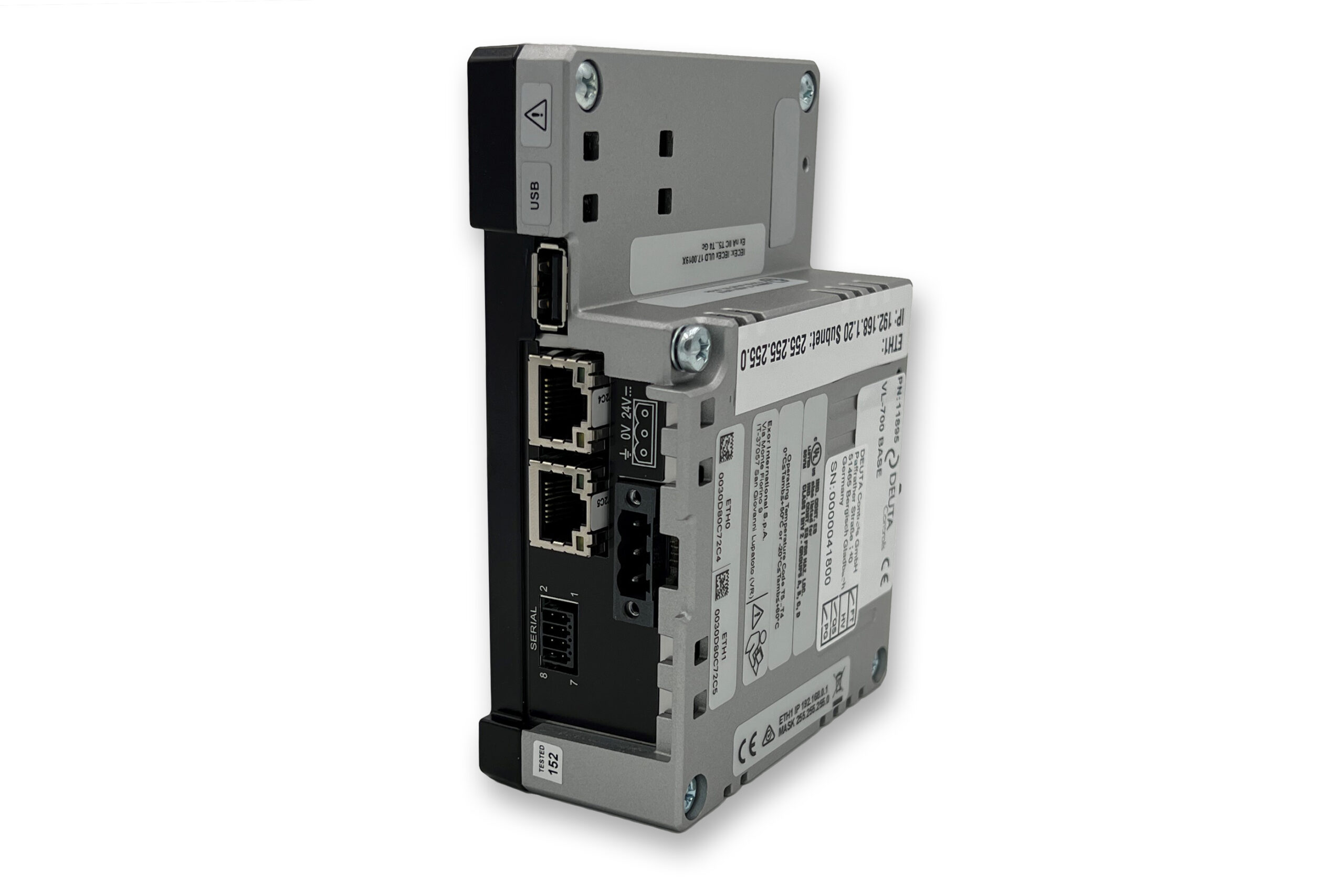 GatewayVL-700 BASEThe VL-700 BASE serves as an IoT edge controller and EnOcean gateway, which, with the preinstalled …
 SoftwareECS – EnOcean Control SystemThe preinstalled EnoDisc Control System (ECS) software on the VL-700 BASE: a license-free system …
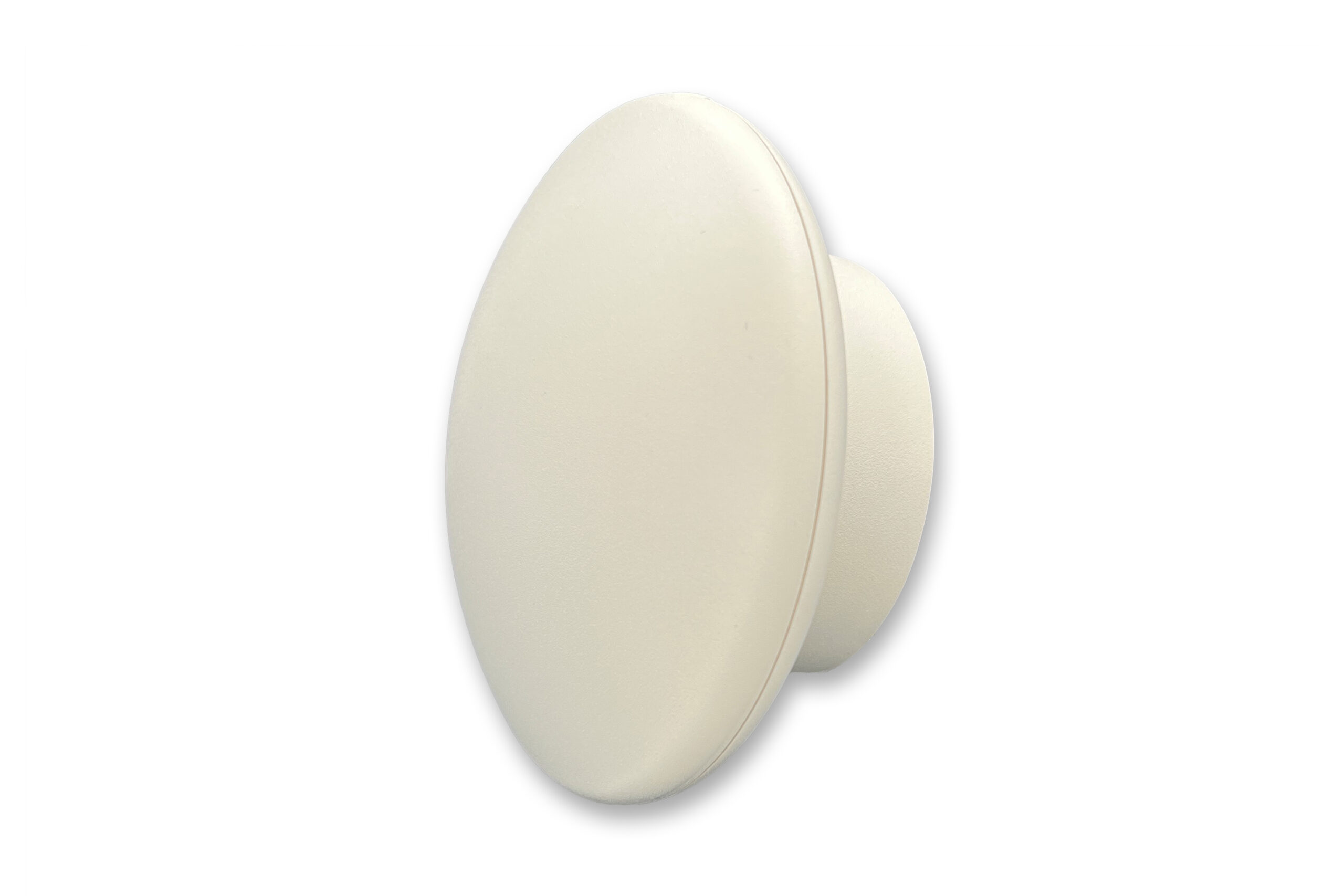 Radio ReceiverEnoDisc®The EnoDisc® is an EnOcean transceiver for Smart Spaces that communicates via Ethernet and uses PoE …
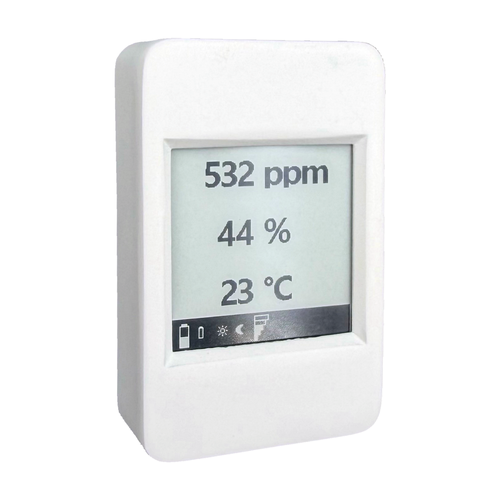 Room DisplayEnoSign® CO2/Temp/rHThe EnoSign® CO2/Temp/rH displays the measurement values from your EnOcean system directly in the room, on …
You can find the appropriate sensors in the overview of IoT sensors.